How to Cancel Your YumDash Plan (Subscription)
At YumDash, we strive to provide a flexible and user-friendly experience. If you need to cancel your subscription or plan, you can follow the steps below. Should you have any questions or require assistance, our support team is always here to help.
Step-by-Step Guide to Canceling Your Subscription
1. Sign in to Your Account
- Visit the YumDash website or open the app.
- Click on "Sign In" and enter your YumDash credentials.
2. Navigate to Subscription Settings
- Once logged in, click on your profile icon or name in the top right corner.
- Select "Account Settings" from the dropdown menu.
- Click on the "Subscription" tab to view your current plan details.
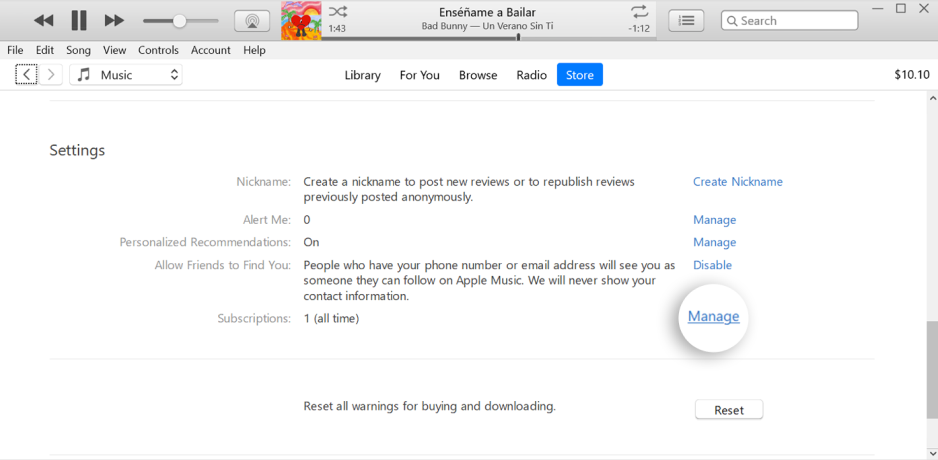
3. Review Your Subscription Details
- Check the details of your current subscription, including the plan type, billing cycle, and any active promotions.
- If you have any doubts or concerns, refer to our FAQs or contact our support team.
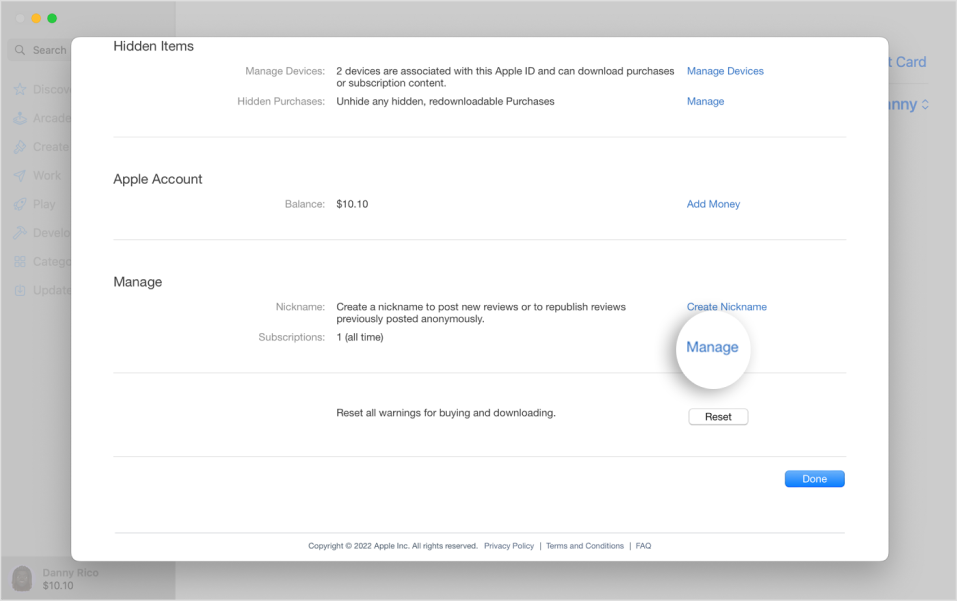
4. Select "Cancel Subscription"
- Click on the "Cancel Subscription" button located near your plan details.
- You may be prompted to provide feedback or a reason for cancellation. While this is optional, your input helps us improve our services.
5. Confirm Cancellation
- A confirmation window will appear, asking you to verify your decision.
- Click on "Confirm" to finalize the cancellation.
- You will receive an email confirming the cancellation of your subscription.
6. Optional: Explore Other Plans or Offers
- If you're interested, you can browse other YumDash plans or special offers that might better suit your needs.
Need Further Assistance?
Our support team is available to assist you with any questions or concerns. You can reach us through the Help Center or by emailing support@yumdash.com.
Return to YumDash Services
Still interested in exploring other solutions and features? Check out our Solutions page or contact our sales team for personalized recommendations.